Store something
Work with Amazon S3
Understand buckets, object access, and storage choices.
Beginner-first AWS learning series
From your first cloud question to systems you can actually build.
A beginner-first path through AWS. Every lesson connects an idea to a real service, a small build, and an explanation in your own words.
By Hardik Bandhiya · No AWS experience needed.
Object storage, made understandable
See how one topic becomes something you can understand, build, and explain.
Amazon S3 stores objects inside buckets. An object has a key, so you can find it again. Start by understanding that relationship before learning every setting.
Ask yourself How is this different from saving a file on your laptop?
In a practice AWS account, create a bucket, keep Block Public Access enabled, upload a small test file, and inspect its object key. Check pricing and clean up afterward.
Architecture question Who should be able to read this object, and why?
Because you can access computing resources when you need them without buying and maintaining every server yourself.
First we explore why that matters. Then we explain what cloud computing actually is.
You do not need to know what EC2, VPC, IAM, serverless, containers, or cloud architecture mean. Module 01 starts with Why Cloud? Then we ask What Is Cloud Computing? We build the vocabulary and confidence from there.
See where the path beginsOne lesson should leave you with knowledge you can use and something you can show. The loop keeps that outcome in view.
Plain language first. No unexplained cloud vocabulary.
Connect the idea to a service or architecture concept.
Complete a small, focused hands-on exercise.
Apply what you learned to a useful mini project.
Consider security, cost, reliability, and scale.
Use a template to explain the work in your own words.
The next question begins the loop again.
AWS is easier to remember when you have time to try things. New lessons are planned for Tuesday and Saturday; the days between are yours to practise, reflect, or catch up.
The other days are suggestions, not assignments. Lesson delivery is in development.
All 127 topics come from the same ordered curriculum used by the learning agent. Open a module to see its actual topics.
AWS Builder Center offers its own Student Rewards program. It is separate from this learning series, but worth exploring alongside it.
Badges come from learning and participating on Builder Center. Redeeming AWS Credits requires an AWS account; using AWS resources can still incur charges.
Read the full student verification guide. AWS manages eligibility, verification, rewards, and terms; this independent series does not verify students or issue rewards. Check the official Builder Center FAQ for current rules, including age and regional eligibility.
The curriculum moves from concepts into services you can connect. These are examples of tasks the path prepares you to try.
Understand buckets, object access, and storage choices.


See how requests become serverless actions.

Save application state and compare data choices.

Read logs and learn what a working system tells you.
Knowing a concept and explaining it clearly are different skills. These starter outlines are usable now; topic-specific templates are planned. Your story and words remain yours.
Use your own words for LinkedIn, X, or learning notes.
A writing outline, not an automatically published article.
Over time, a small build, a clear note, a GitHub project, or an article can show how your understanding changed. The series aims to give you structure for that work. What you make remains yours.
This preview already runs on AWS: CloudFront and S3 serve the site, while API Gateway, Lambda, and DynamoDB power the waitlist. The lesson-delivery path below is planned, not live.
Amazon S3 CloudFront
Serve the website over HTTPS.
API GatewayLambdaDynamoDBValidate and save each learner's place.
 EventLambda
 Bedrock
 SES
Lesson generation and email delivery are not active in this preview.
CloudWatchSee what ran, succeeded, or needs attention.
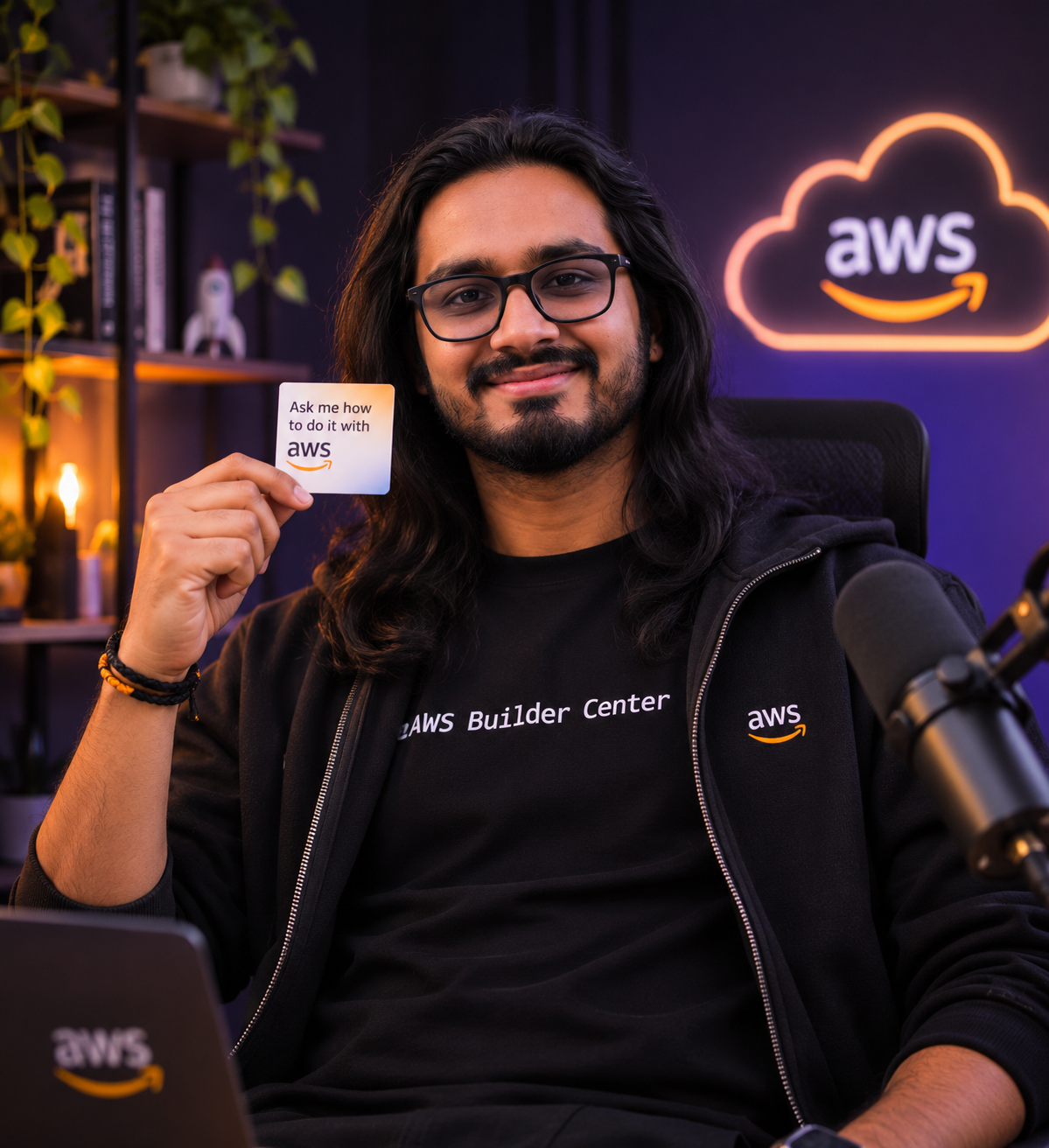
Hardik BandhiyaFounder of NavraCommunityAWS Student Builder Group leader
Find me on AWS Builder Center@bandhiyahardik
I'm Hardik Bandhiya. I kept seeing the same question from people starting with AWS: where do I begin, and what should I learn next?
I love AWS and the community of people learning and building with it. This series is my personal way of teaching what I know: one approachable concept at a time, with room to try it, build something useful, and explain what happened.
Created and taught by me as an individual. This is not an AWS-run program or an official AWS course.
New to Builder Center? Use my invite linkJoin the interest list for the beginner-first AWS journey. Two focused lessons each week are planned for Tuesday and Saturday when delivery launches.
No. Module 01 starts with “Why Cloud?” before “What Is Cloud Computing?” Some later hands-on tasks will require an AWS account, but the journey begins with concepts.
New recordings are planned for Tuesday and Saturday. Hardik records and approves each lesson before it opens to everyone. The library may have no lessons until the first recording is released; automated email is not live yet. View the learning desk.
Start with “Why Cloud?” and catch up on lessons already released. Future lessons remain locked until Hardik approves their scheduled release.
You get time between lessons to understand, experiment, build, and share before moving to the next topic.
A beginner explanation, the AWS connection, a small task or build idea, an architecture decision, and a prompt to explain what you learned.
Templates for learning posts, project notes, and Builder Center articles are part of the planned experience. They help you write your own account; this platform does not publish on your behalf.
Your email, Builder Center profile alias, and consent are saved to the interest list. Automated lessons and welcome mail remain off until their AWS setup is tested.
It is stored with your registration. Automatic verification against Builder Center is not implemented.
Yes, AWS runs a separate Student Rewards program for eligible verified students. It offers Skill Builder access and badge-based rewards; read the verification guide and official links. This learning series does not issue those rewards.
No. I'm Hardik Bandhiya, an individual creator who loves AWS and its community. I created this series to help others learn; AWS does not run it, and it is not an official AWS course. Early-access signup has no stated fee; future pricing has not been announced.
A self-service unsubscribe page is not available yet. Once lesson emails begin, you can reply to the project owner with “unsubscribe” to request removal from future sends.